
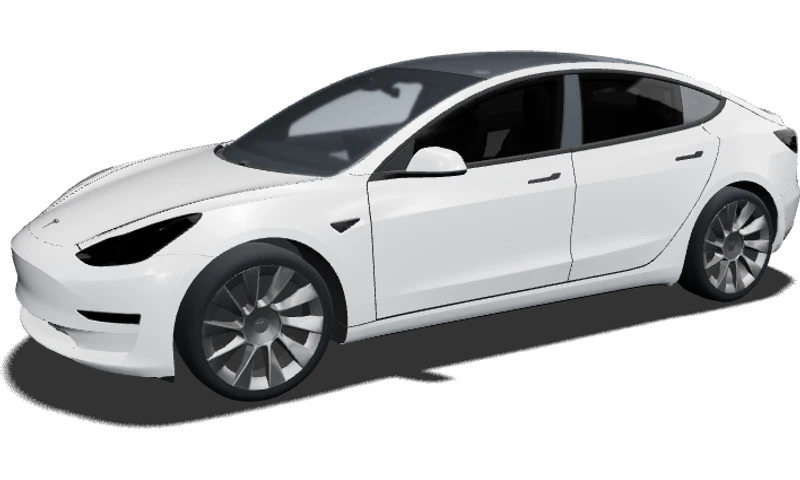
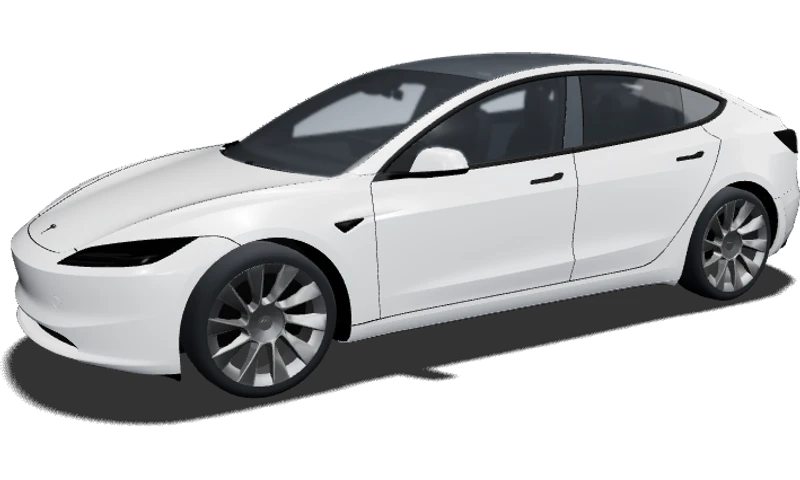
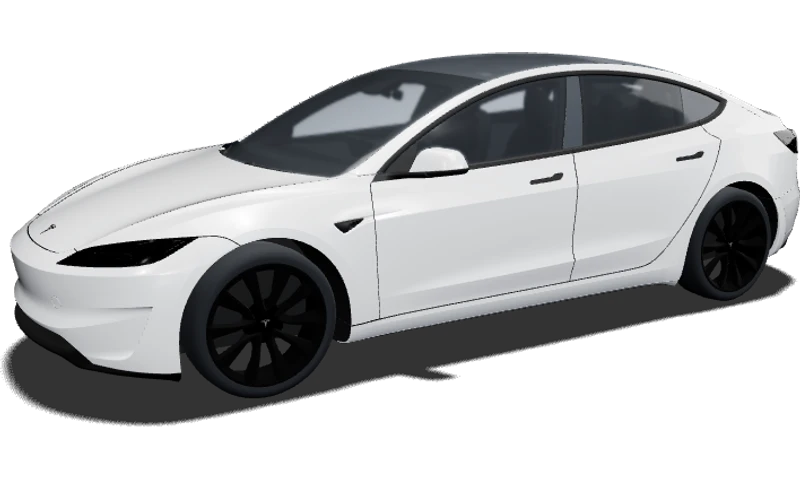
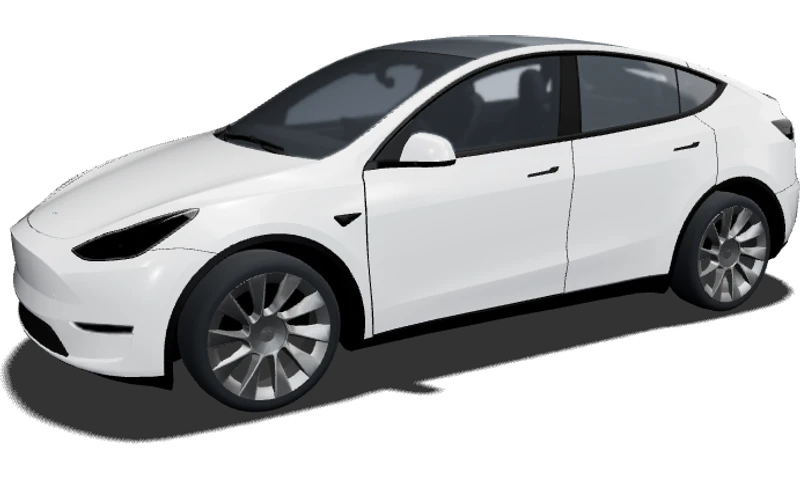
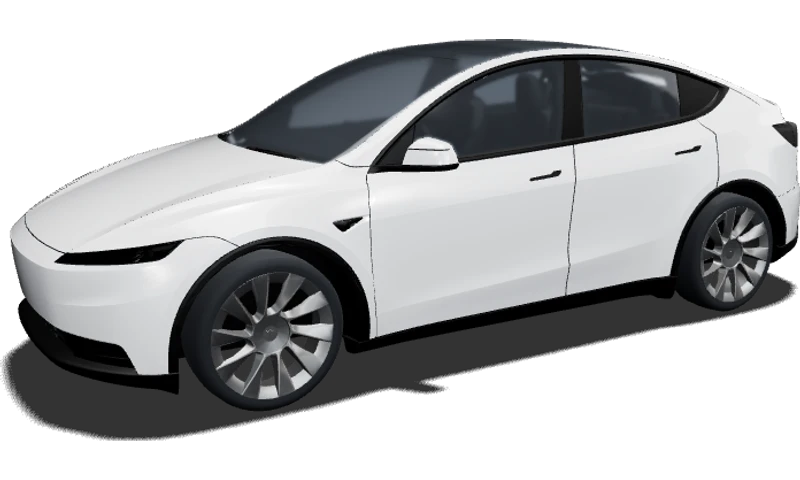
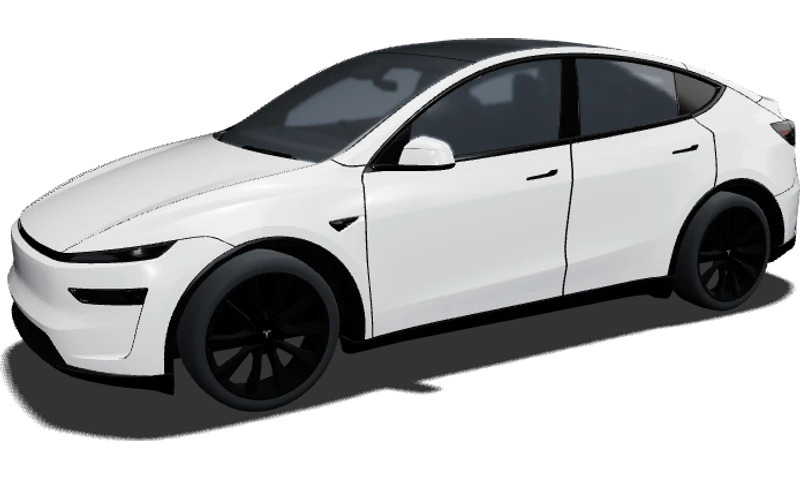
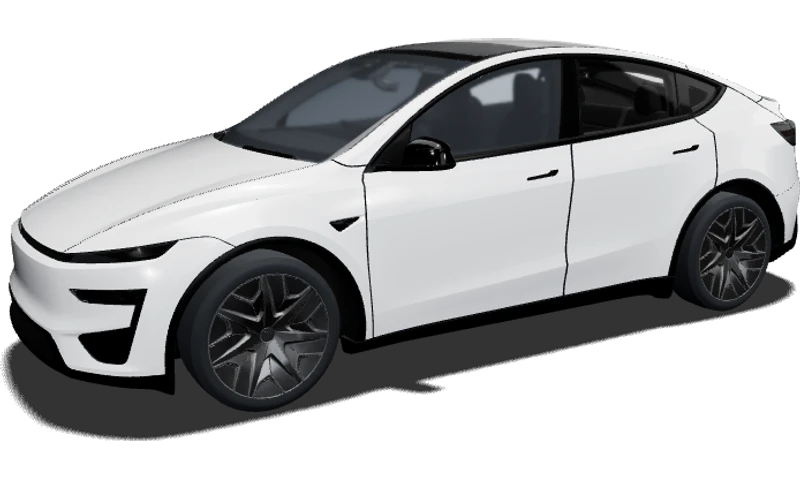
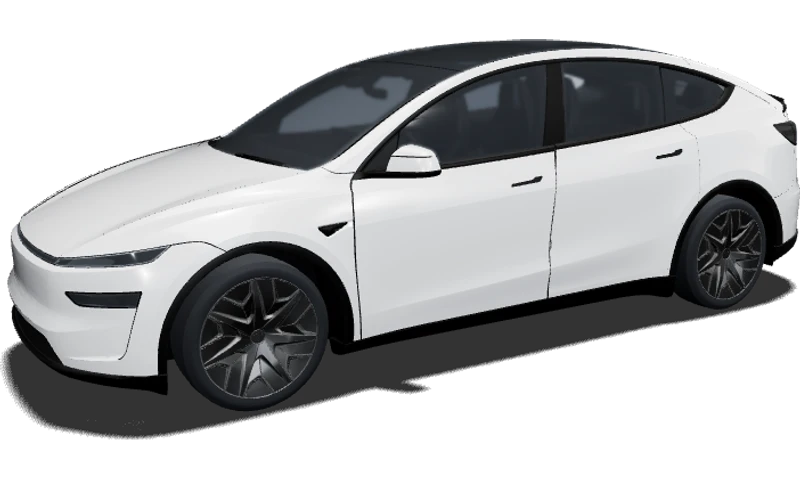

weezer blue
Model 3 · Legacy
AAlexa Rusu
Your car. Your color. Your style.
Find a Tesla wrap that feels like yours. Explore rich colors, subtle finishes and bold graphics on a 3D vehicle, then bring your favorite direction into the editor. Start with Model 3, Model Y, Cybertruck, Model S or Model X and see how a new look follows the shape of your car.
Preview your Tesla wrap with a color or image, then open the editor to create and save your design.
Start AI DesignA great idea looks different on a compact sedan, a taller SUV or an angular truck. Choose your model and available version below to open its matching design template. Check the year and body before you begin so you can explore the proportions that matter to your car.
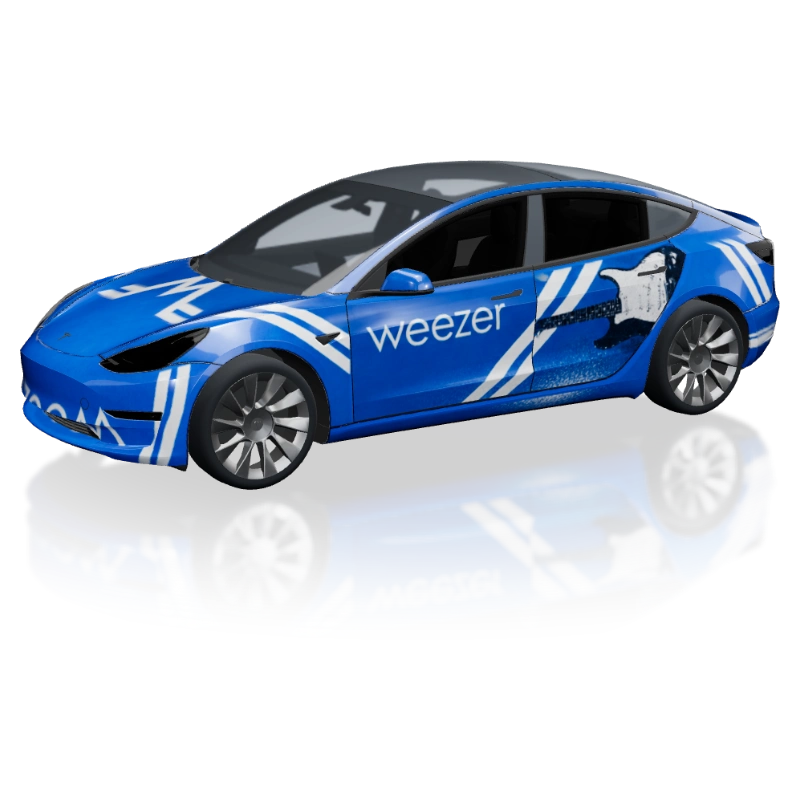
Explore shared Tesla wrap designs for color combinations, graphic styles and a fresh perspective on familiar body lines. Open an example to inspect the artwork and its vehicle preview. Notice what catches your eye: the main color, the size of a pattern or the space left around a striking detail.
Model 3 · Legacy
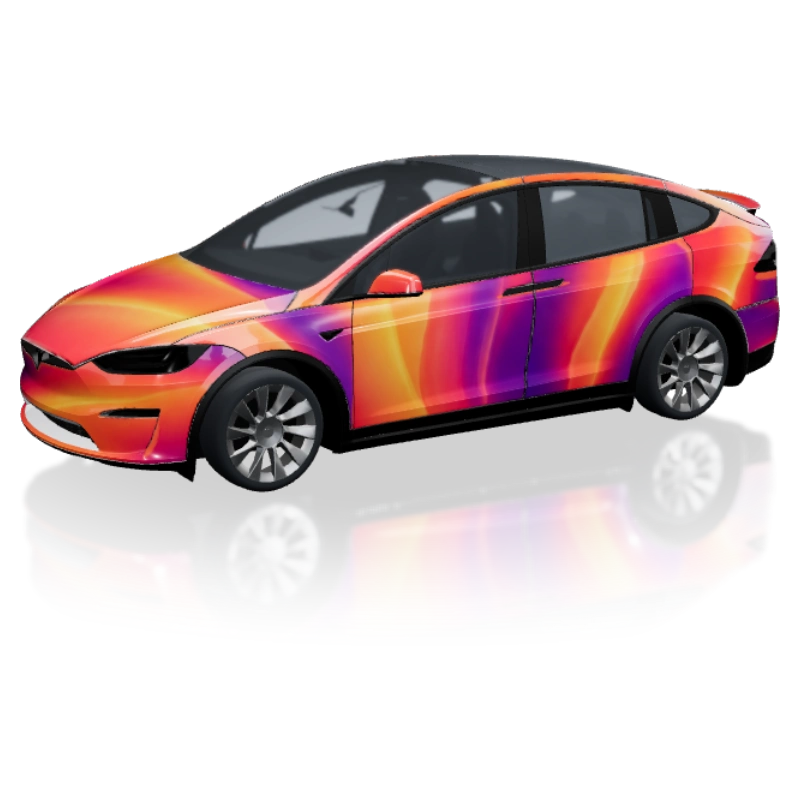
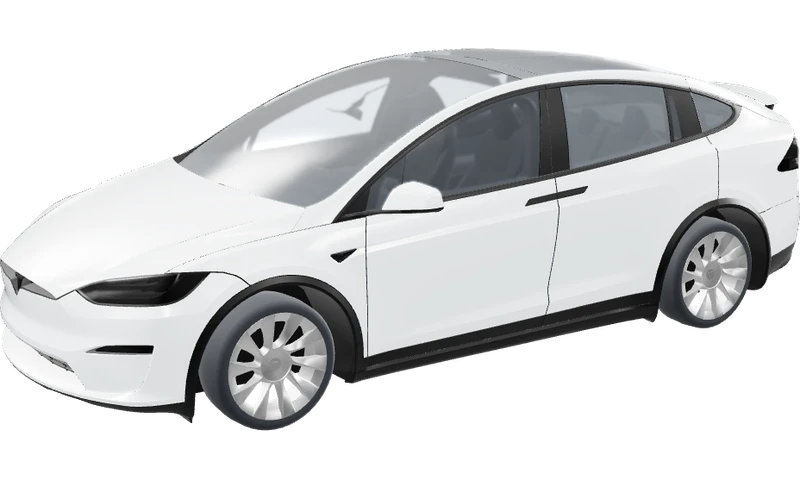
Model X · 2021
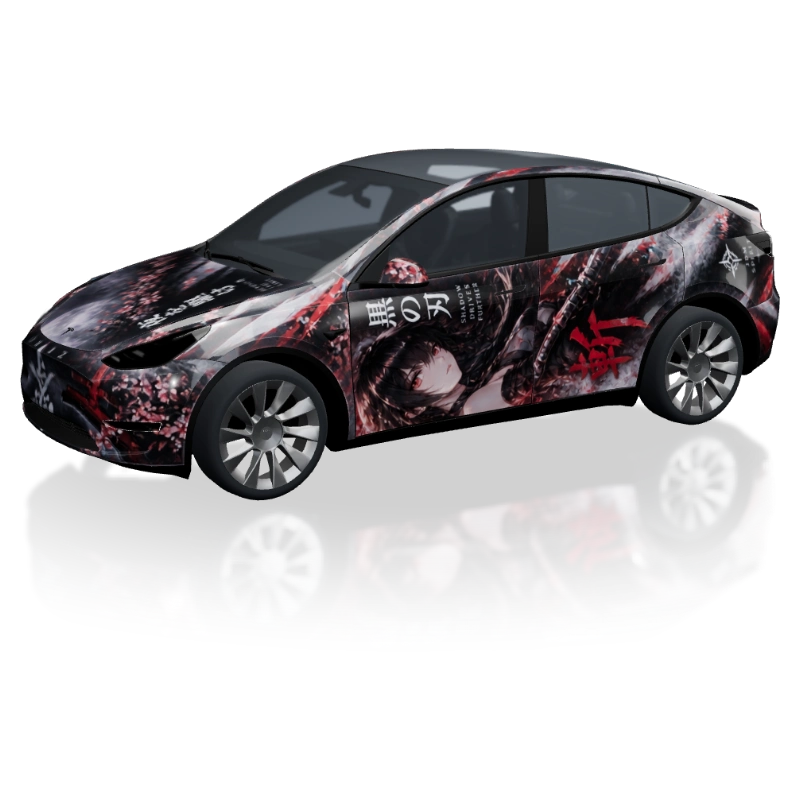
Model Y · Legacy
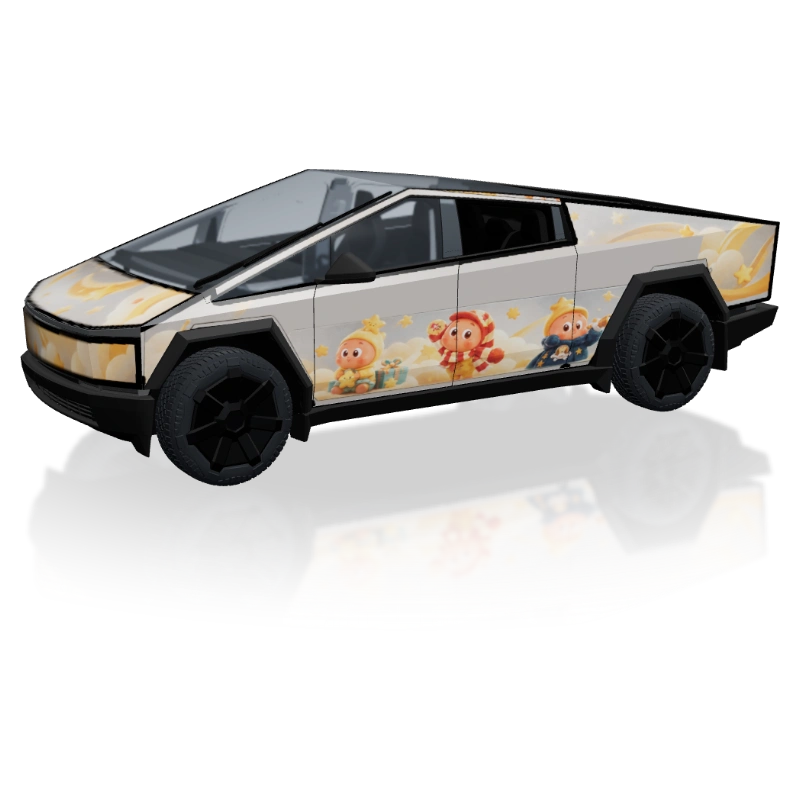
Cybertruck · 2023
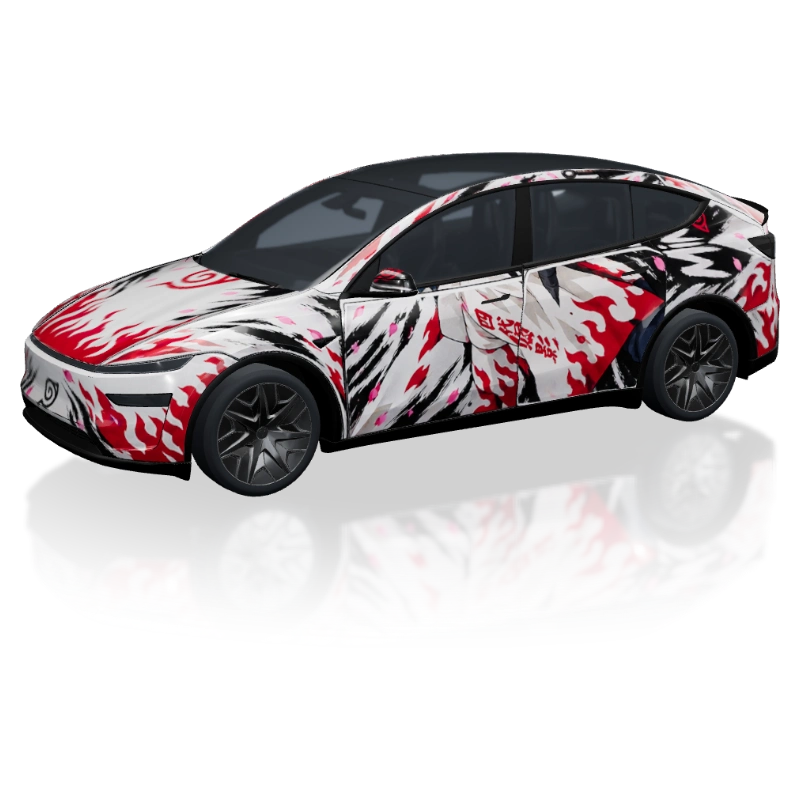
Model Y L · 2025
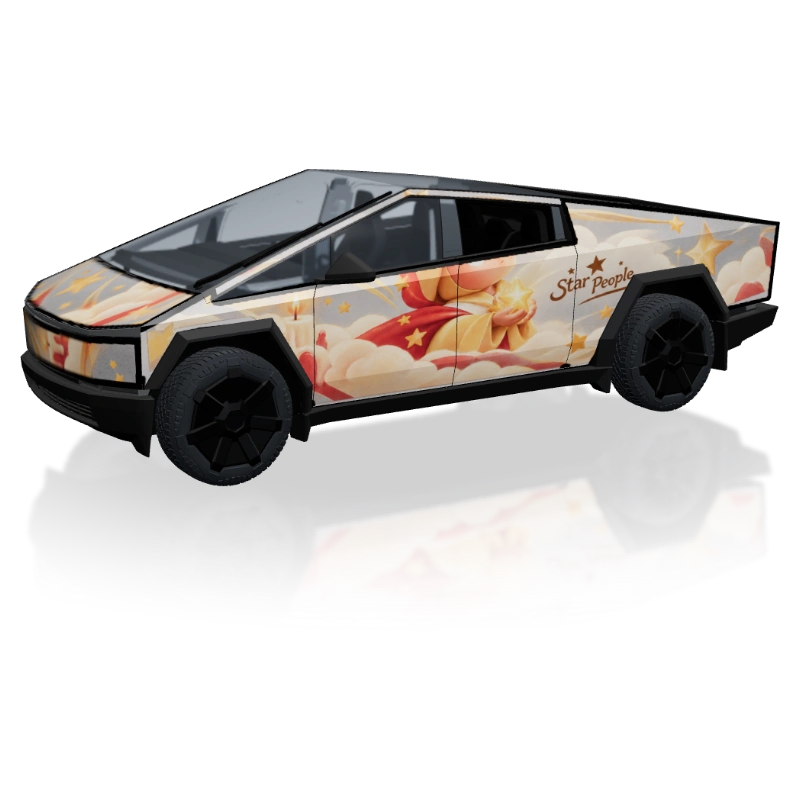
Cybertruck · 2023
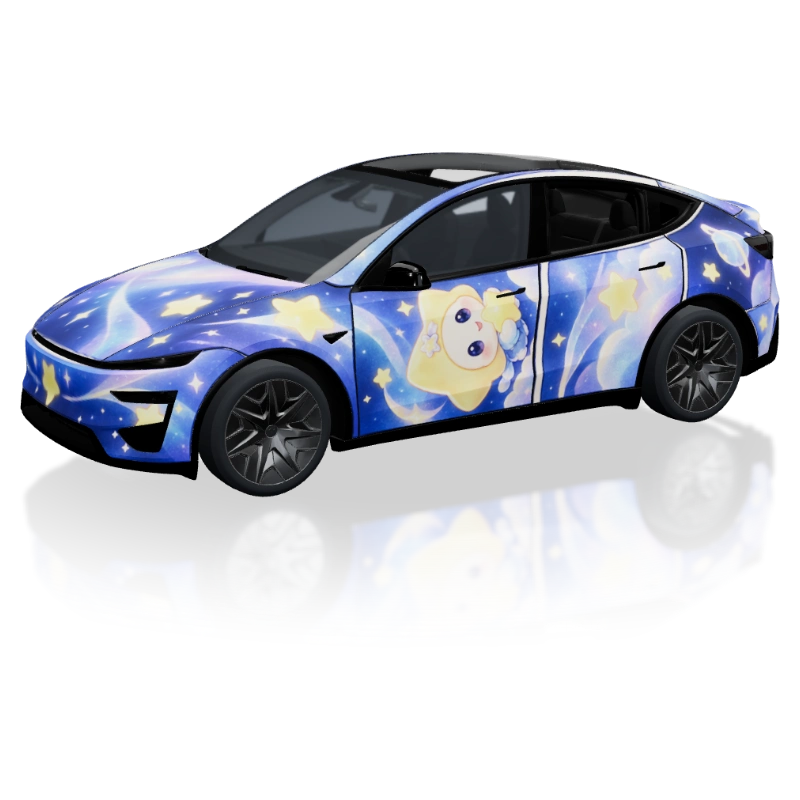
Model Y Performance · 2025
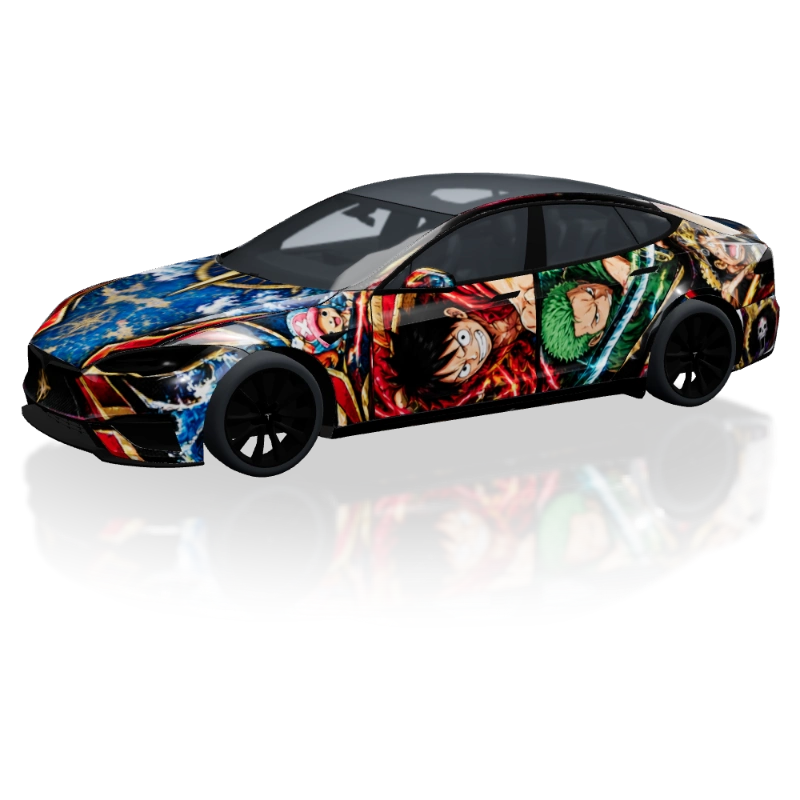
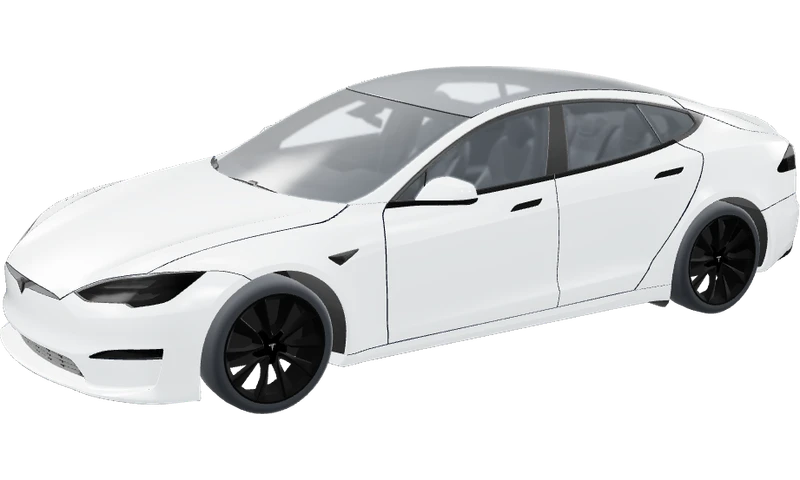
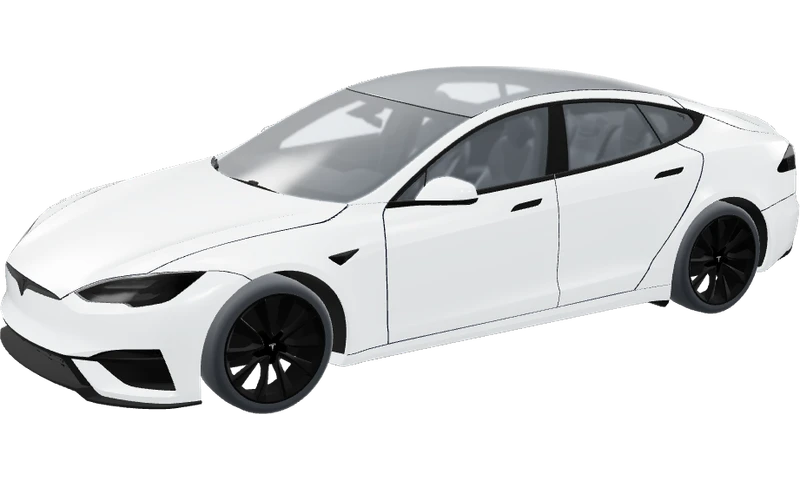
Model S Plaid · 2025
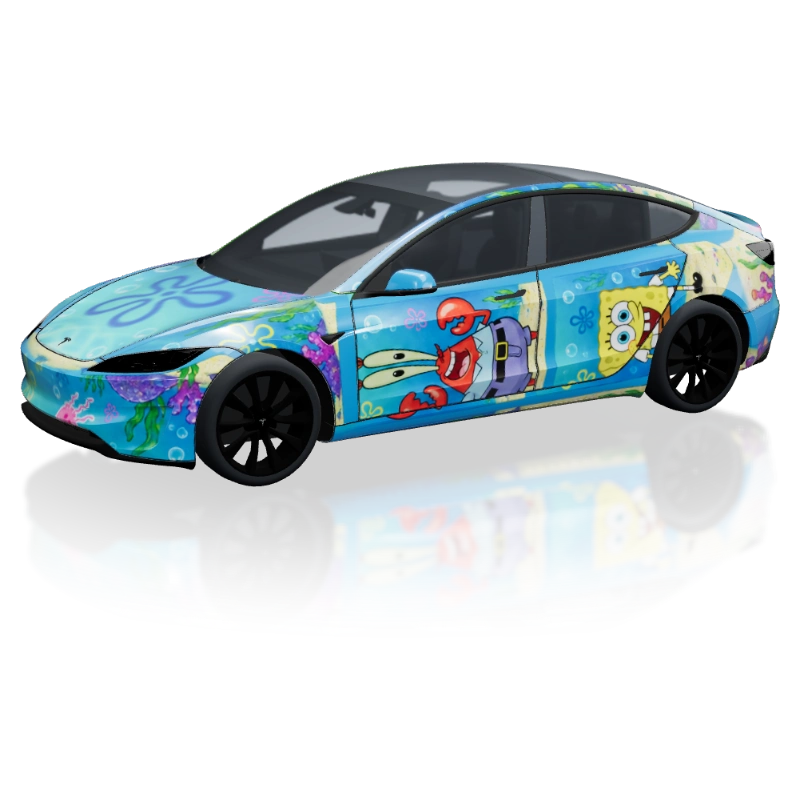
Model 3 Performance · 2024
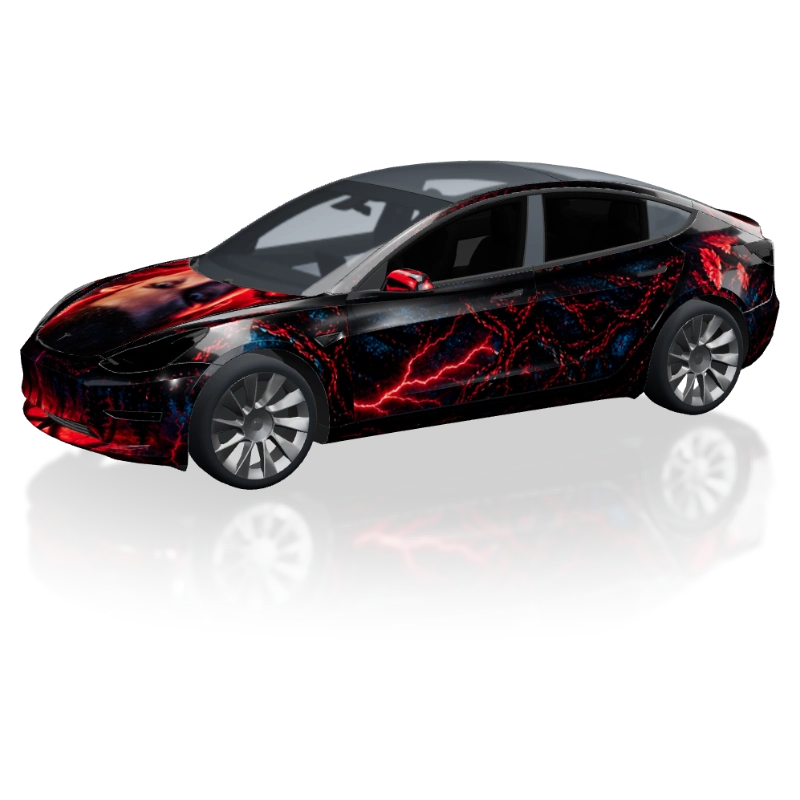
Model 3 · Legacy
Start your Tesla wrap with one color you would enjoy seeing every day. Deep blue can set a calm direction, a warm neutral can feel understated, and a bright accent can bring energy to a simple composition. Use the custom color control to explore your own palette. Rotate the vehicle and watch the same shade across the hood, doors and rear; those changing surfaces are part of the design.
Compare gloss, satin, matte, metallic and pearlescent finishes while keeping the color consistent. Gloss gives reflections a sharper presence, while satin and matte offer softer alternatives. Metallic and pearlescent previews introduce other ways to explore light across the body. These digital choices help you narrow a visual direction before looking at real film samples. You do not need a complex pattern to create a distinctive result.
A racing stripe can draw attention along the car, while geometric blocks can build contrast between broad surfaces. Flowing illustrations, contour lines and abstract textures offer a more expressive direction. Pick one idea as the focus and leave enough quiet space around it. A design often becomes easier to read when its main shape is clear from the side as well as from a front corner.
Let the vehicle guide the composition. The sedan profile of Model 3 offers a different canvas from the taller sides of Model Y, and Cybertruck invites experiments with angular shapes. Model S and Model X give you further proportions to explore. Browse the gallery for inspiration, then develop a palette and arrangement of your own. Match an example to the correct template before judging how its artwork fits.
Open the browser editor for the selected vehicle when you are ready to build your Tesla wrap. Add your own images, create text and arrange shapes as separate layers. Position and resize those elements while reviewing the 3D result. For a business concept, uploading a logo as its own image gives you control over its placement. Keep important wording short enough to remain readable across the composition.
For a new visual direction, use the AI generator with a description of the colors and pattern you want. You can also provide a reference image to guide the style. AI creates one flattened image: text, logos and graphics inside that image do not become editable objects. Add precise wording or a logo separately in the manual editor. To change details embedded in the AI artwork, revise the prompt and generate another version.
Inspect your Tesla wrap from the front, both sides and the rear. Look at where stripes meet door edges, how an illustration crosses a wheel arch and whether the rear feels connected to the rest of the car. Take time to compare a quiet version with a bolder one. A strong concept should still feel balanced when you move away from the angle that first made you like it.
Save your work in the editor so you can return to the composition. When you have a direction worth taking further, use the artwork and preview to explain it to a wrap professional. They can review the physical vehicle, film choice and production layout. The digital concept helps make that conversation clearer; measurements, print preparation and installation remain separate steps. Compare actual material samples before committing to a physical finish.
Yes. You can explore colors and finishes in the preview and use the free browser editor to build a design with your own layers. Follow the sign-in prompts when editing and saving a project. AI generation is an optional feature that uses credits. Start with the preview to find a direction, then open the editor when you want to arrange your artwork.
The library includes Model 3 Legacy, 2024 Base and 2024 Performance; Model Y Legacy, 2025 Base, Premium, Performance and Model Y L; Cybertruck; Model S 2021 and 2025 Plaid; and Model X 2021. Use the version cards or vehicle selector to choose the matching preview. These are the configurations represented in this studio, so check your own vehicle details when selecting a template.
Yes. Choose a JPEG, PNG or WebP image up to 5 MB from your device. This page reads it locally in your browser, and the remove-image control or a page reload clears it. A texture prepared for the selected vehicle gives the most useful panel preview. The temporary image does not automatically transfer to the editor; add it there when you begin your project.
The preview is a quick place to compare the vehicle, color, finish and an existing image. The editor is where you arrange your own text, images and shapes as independent layers and save the composition. A complete image stays a single image in either view. Letters or graphics already baked into it cannot be selected and moved individually.
Begin with the look you want at a glance. A single color lets the body and reflections carry the design; a stripe, illustration or geometric pattern adds another focal point. Try a restrained palette first, then introduce one accent. Compare the side and rear views as well as the front so your preferred idea works around the whole car.
You can use your concept artwork to show a shop the colors, theme and placement you have in mind. Ask them to assess the actual vehicle, material and production requirements before printing. The preview does not provide a measured cutting layout or certify an installation file. It gives you a clearer design brief to discuss with the people preparing and fitting the wrap.
Create it. Preview it. Share it.
Choose a color you love, try an unexpected pattern and see how it looks on your model. Open the editor to turn that first impression into your own Tesla wrap.